Tuesday, May 25, 2010

Portraits


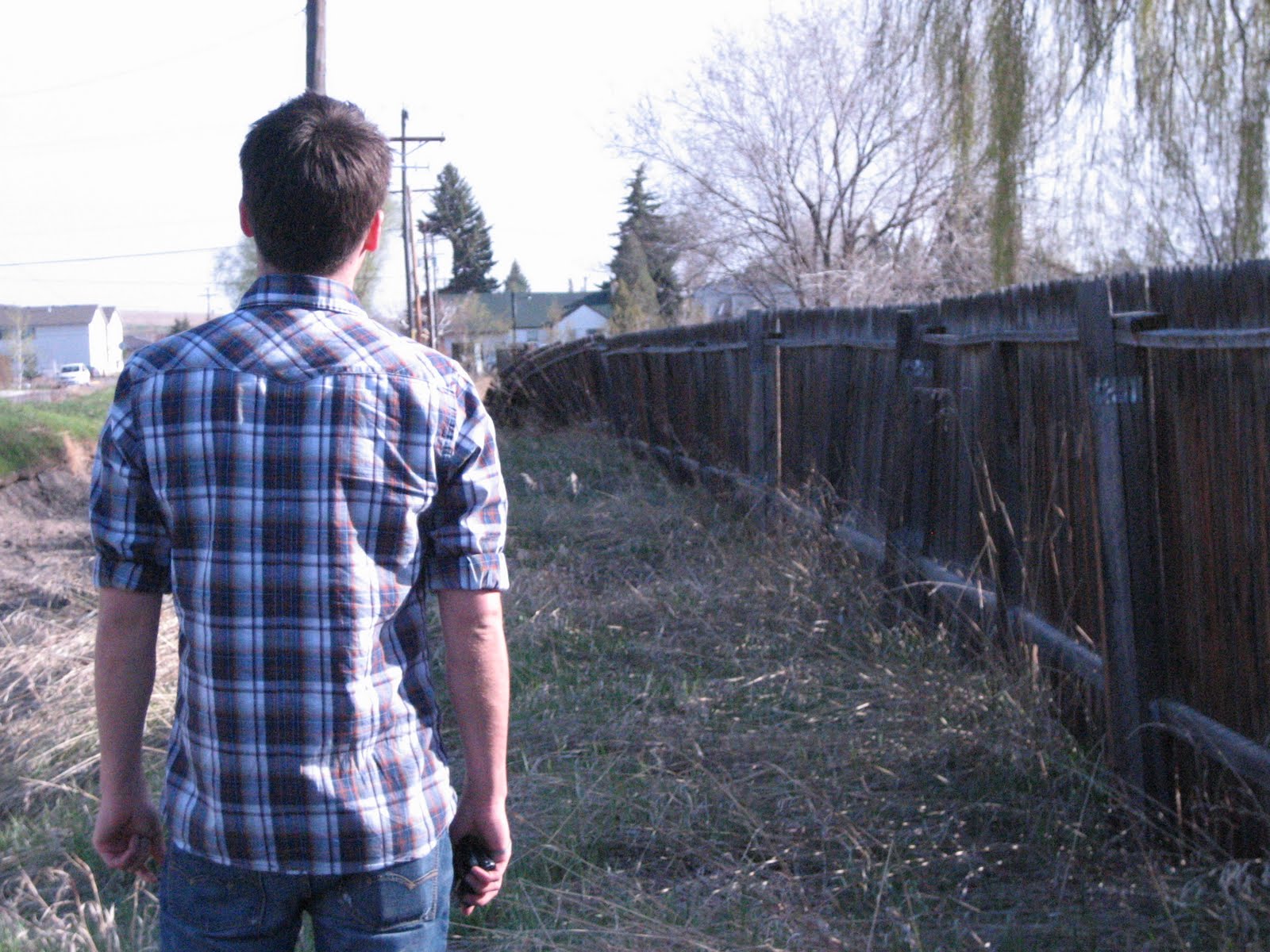
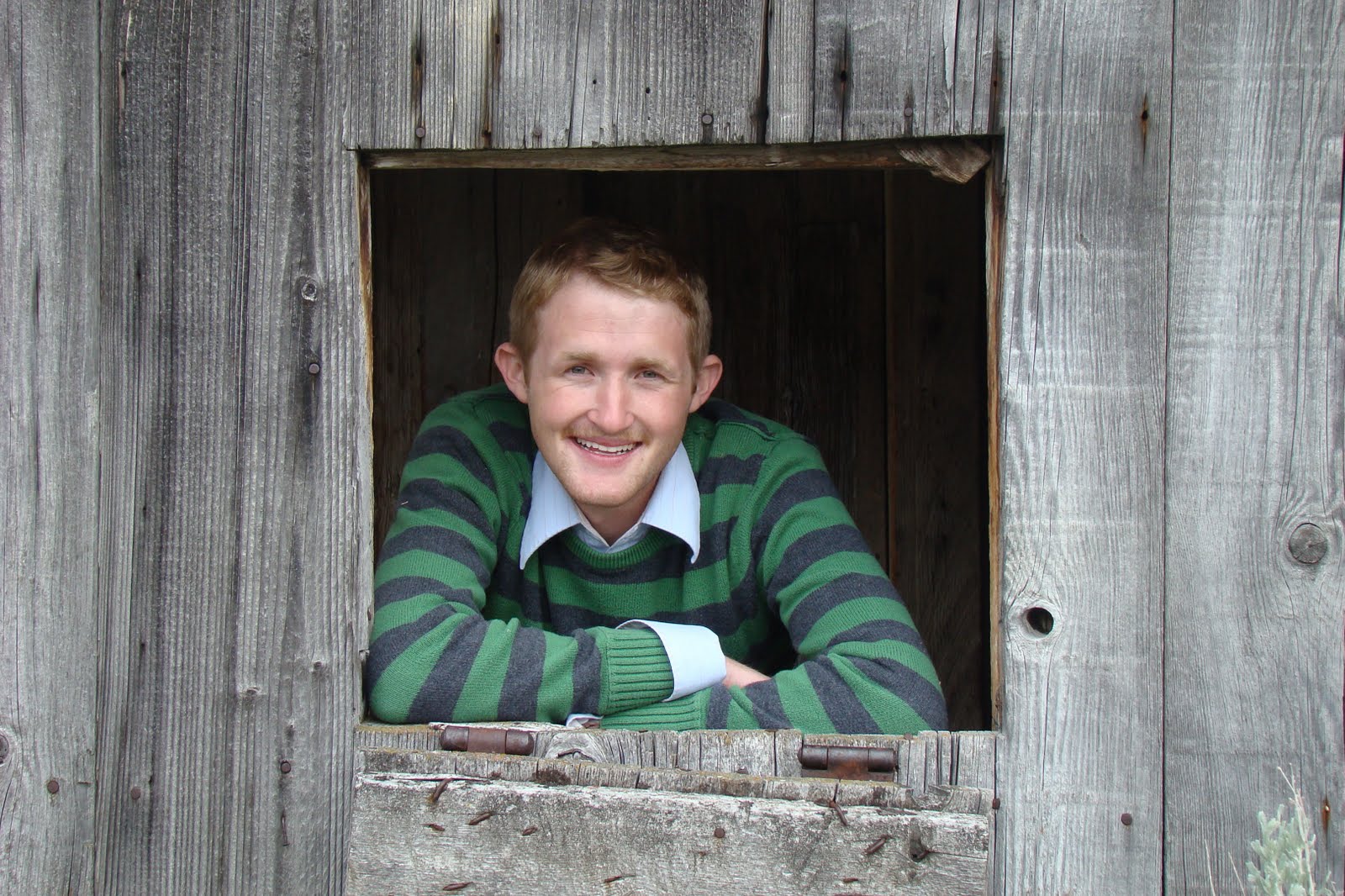
These are two portraits taken at Bannack Ghost Town. The one of Josh was taken outside the old hotel. I wanted a really natural laugh so I told him to think of dead dogs. This picture isn't edited. The picture of Riley was taken later in the day near an old shed behind the buildings. I used a tripod for these shots which made it really easy to take several shots in a short amount of time. 


Photo Info:
1. Joaquin Phoenix - 5/21/10, 1:00 p.m., Bannack Ghost Town, f/4.0, shutter speed 1/200. 
2. Justin Timberlake - 5/21/10, 4:30 p.m., f/4.0, shutter speed 1/160. 

Sunday, May 16, 2010

Editing in Raw


I took the first picture and edited it in Camera Raw. I fixed the picture's exposure and brightness. I altered the image's contrast, clarity, and saturation. I also warmed the temperature a little. Oh and I did take this picture myself. I used a self-timer and put my camera on a post nearby.

Image Info:
1. Bre and Liz - 5/15/10, 7:00 p.m., Rexburg, ID, f/9.0, 1/200, Canon PowerShot SD400

Panoramic Image


I took these three images and then blended them into one photo. I used a fresco filter and then I used a mask to remove the filter from my roommates. Then I boosted the yellow in the image and used a luminosity adjustment layer. The final product is below. 


Photo Info:
1. Sheila and Liz - 5/15/10, 8:36 p.m., Rexburg, ID, f/2.8, 1/320, Canon PowerShot SD400
2. Abandoned Cabin - 5/15/10, 8:37 p.m., Rexburg, ID, f/2.8, 1/500, Canon PowerShot SD400
3. Brush - 5/15/10, 8:38 p.m., Rexburg, ID, f/5.6, 1/320, Canon PowerShot SD400

Tuesday, May 11, 2010

Adjustment layer and smart filter


These are the original pictures before I edited them. One was taken in Rexburg and the one of my niece was taken at the beginning of the Spring semester with my brother's camera.


For the dog image, I gave the entire image a sepia tone. Then I used a darken layer filter. Then I used the paint brush to erase the filter where the dog was. For the photo of my niece, I gave the image an overlay image filter to brighten the whole image. Then I went to the filter gallery and selected a water color filter to make the background look painted. Then I used the paint brush tool to erase the filter where my niece is. I think it makes her costume really pop. Here are the final edited images below!


Photo Info: 
1. Stray - 5/10/10, 7:40 p.m., Rexburg, ID, f/3.5, Canon Power Shot SD400
2. Emi - 4/23/10, 1:00 p.m., Dallas, TX, f/4.5

Monday, May 10, 2010

Flora and Fauna


I took these pictures in three different locations. First of all, let me just say that it is extremely difficult to take a picture of an animal unless its tied up. Birds fly away from me, dogs will not come to me, and ducks will only come if I tempt them with bread.

These images aren't edited or cropped. I tried my best to get close to the dog but he wouldn't look at the camera. I used the macro mode to take the shot of the leafy bud.

Photo Info:
1. Stray - 5/10/10, 7:40 p.m., Rexburg, ID, f/3.5, Canon Power Shot SD400
2. Duck - 5/10/10, 8:00 p.m., Rexburg, ID, f/4.9, Canon Power Shot SD400
3. Leafy Bud - 5/10/10, 8:30 p.m., Rexburg, ID, f/2.8, Canon Power Shot SD400

Thursday, May 6, 2010

Color Blending

I thought this assignment was really fun and I learned a lot about blending images. I just kind of experimented with a lot but I think it turned out well. I took the photo with the bridge and used it as my background. I then took the wheel photo and cut out just the wheel to layer on top of the background. I used a linear layer effect. Then I took the textured wall background and used an overlay effect to place on top. I added some text and got the final product. 


Here is my final product. I wanted to erase a little bit of the texture in the sky but I couldn't figure out how. But overall, I'm happy with the final product. 


File Info:
1. Bridge - 5/3/10, 7:00 p.m., Rexburg, ID, f/2.8, Canon Power Shot SD400
2. Wheel - 4/26/10, 6:00 a.m., Rexburg, ID, f/2.8, Canon Power Shot SD400
3. Wall Texture - 5/4/10, 11:00 p.m., Rexburg, ID, f/2.8, Canon Power Shot SD400

Tuesday, May 4, 2010

Color Study - Brown


I chose the color brown because there is a ton of it in Rexburg. I tried to stick with more bronze shades rather than just flat brown.

1. Wheel
2. May 1, 2010 6:00 at night
3. Rexburg, Idaho


1. Fenced in
2. May 2, 2010 at 7:00 in the morning
3. Rexburg, Idaho
4. This might have been too early to take photos. I had a difficult time finding light without having too many shadows.


1. Crickety Bridge
2. May 2, 2010 at 7:30 in the morning
3. Rexburg, Idaho
4. I like this photograph because I think this is a gorgeous place in Rexburg and not everyone knows about it.


1. Rusty fence
2. May 1, 2010 at 6:00 in the afternoon
3. Rexburg, Idaho
4. I enlisted the help of my best friend Michael. He came with me to shoot some photos but refused to be in any of them. I had to take this one really quickly.